Understanding and Modifying Keypup’s Metric Documentation

Gain insights on understanding and modifying Keypup's metric documentation. Learn how to access and modify metrics' documentation, ensuring a comprehensive understanding of purpose, calculation, and improvement areas. Empower your team to make data-driven decisions and drive continuous improvement in software engineering practices with Keypup.

Celine Nabais
Celine Nabais LinkedIn
• 3 min read
Understanding and Modifying Keypup’s Metric Documentation

​In the realm of software engineering metrics, it's not uncommon for individuals who didn't create a particular metric to struggle with understanding how it has been calculated, why it matters, and how to improve it. This lack of clarity can hinder effective decision-making and impede progress within an organization. That's why documenting metrics is key to ensuring that everyone involved has a comprehensive understanding of the metric's purpose, calculation, and potential areas for improvement.

In this article, we’ll show you how to access and modify your metrics’ documentation.

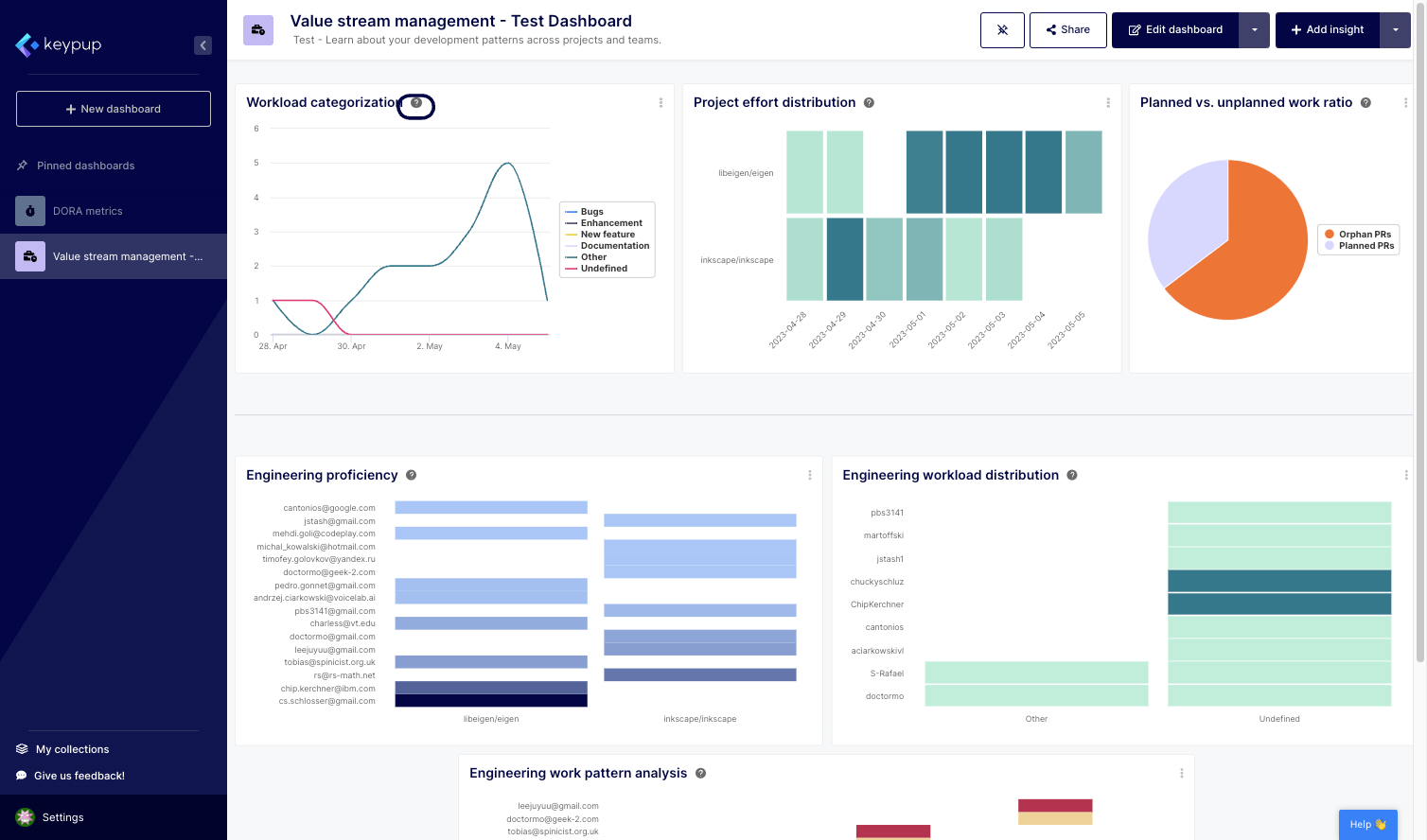
1. To access any metric's documentation, click on the question mark (?) button located next to the insight title.
Image

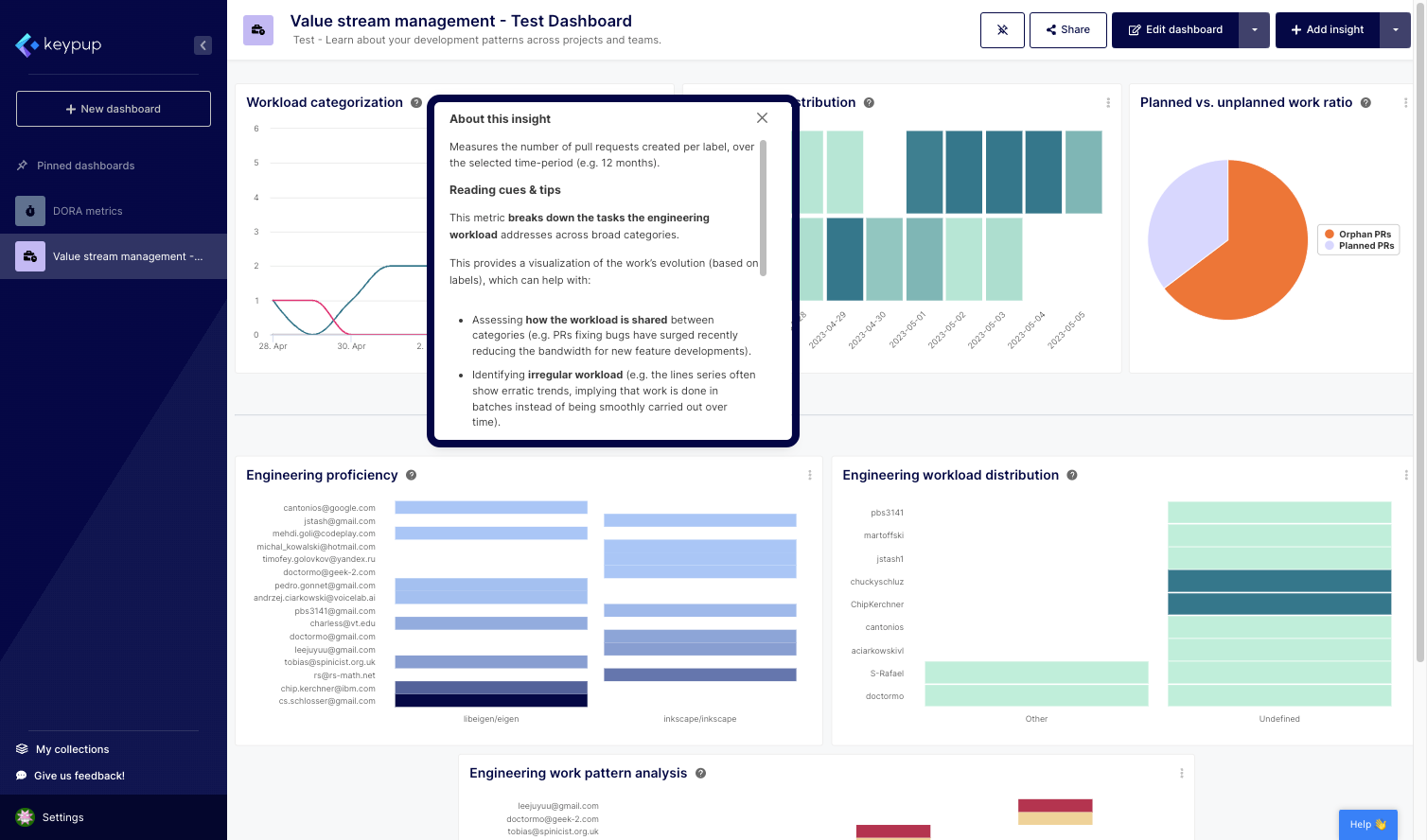
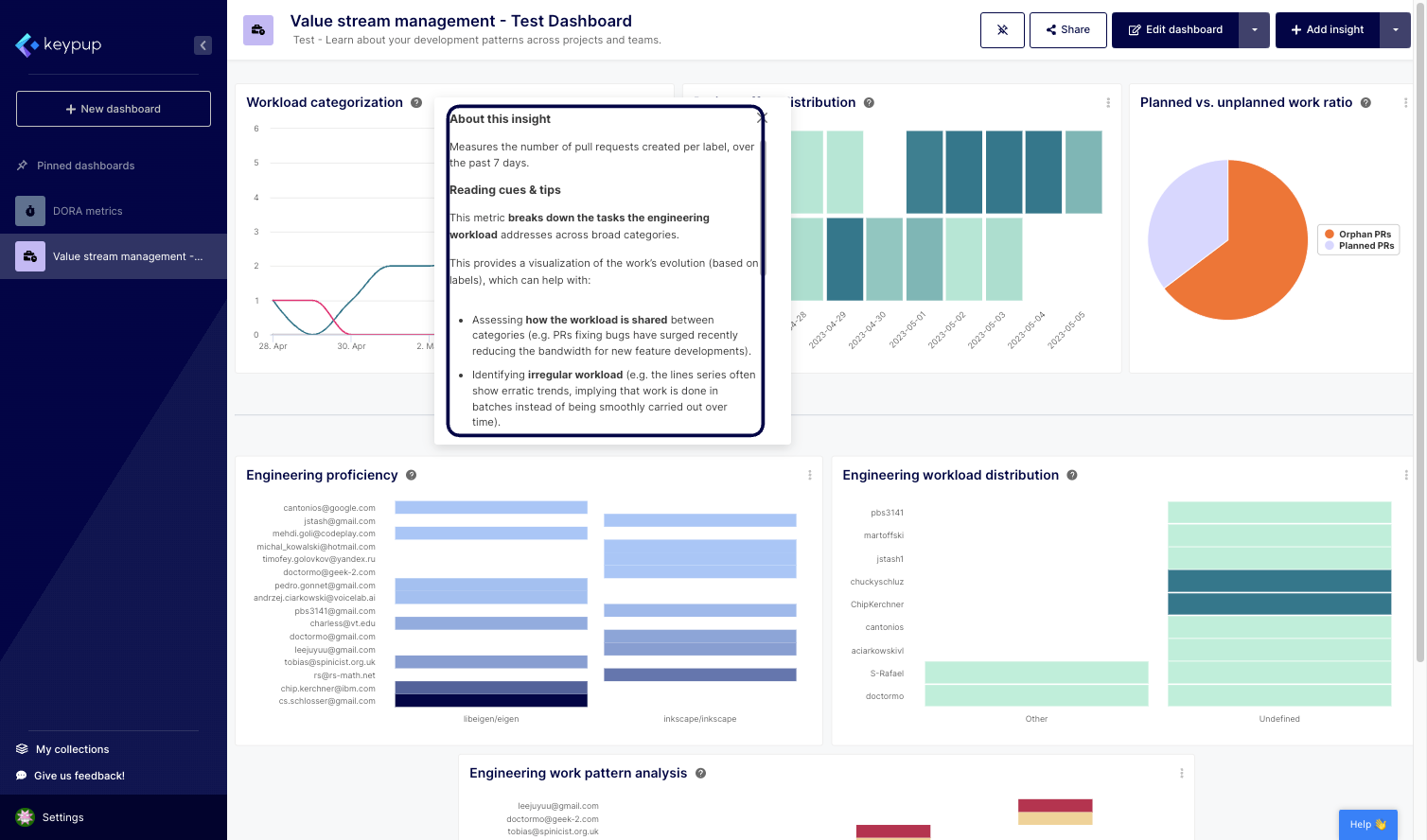
2. This will open a tooltip that contains all the information about the insight. Keypup's metric templates come with default documentation that provides information about the insight and how it’s calculated, as well as tips to improve the metric.
Image

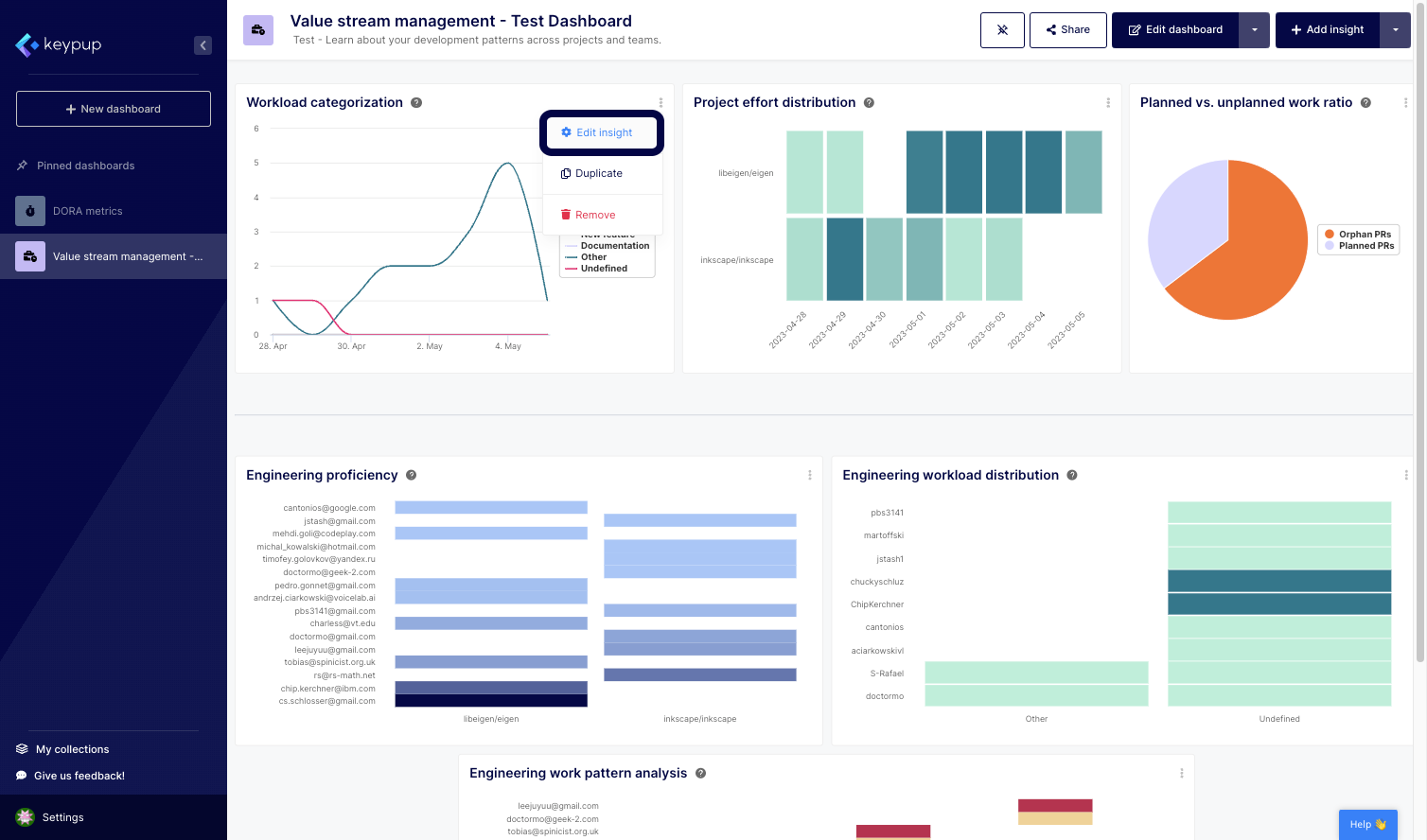
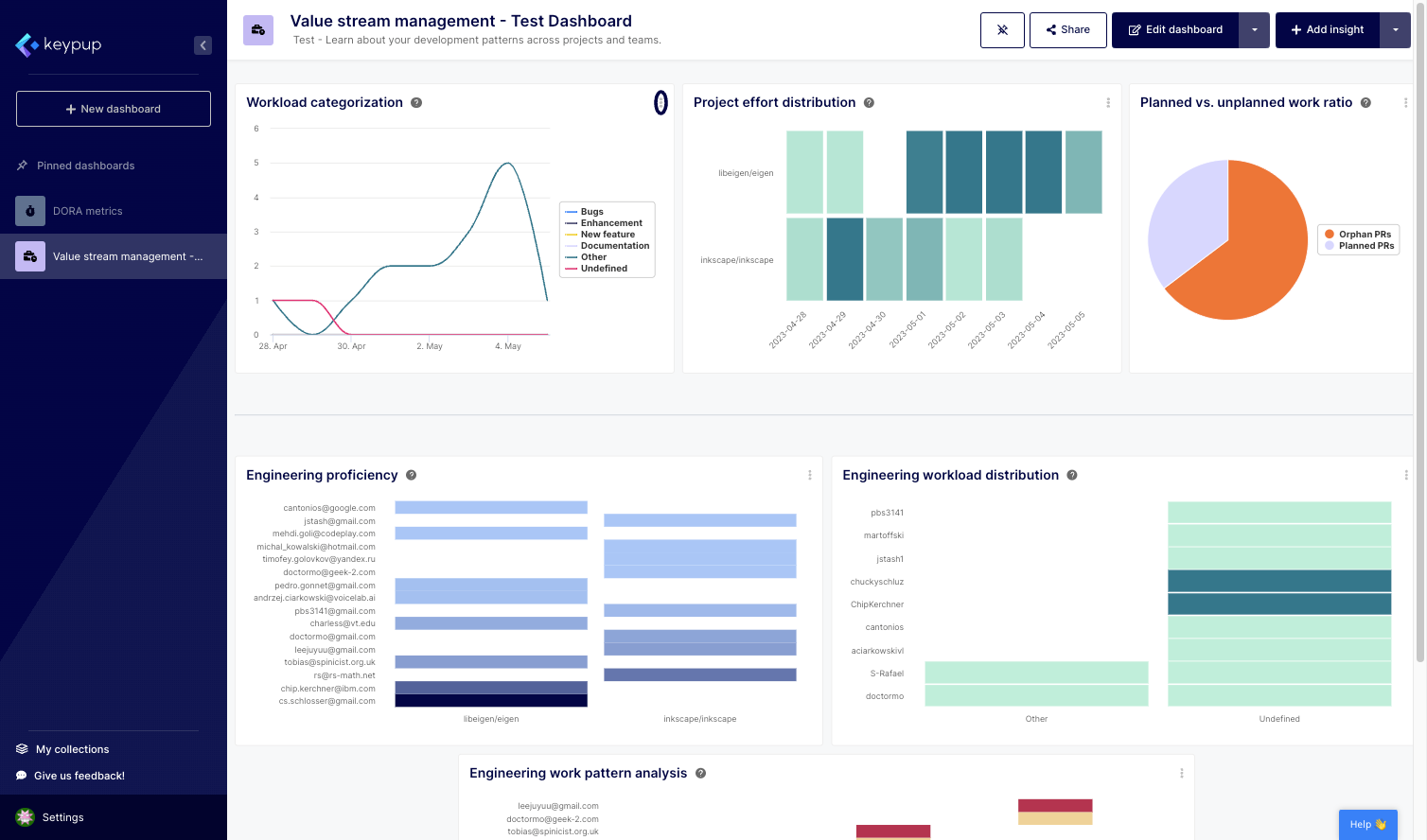
3. To modify the metric's documentation, click on the edit (...) button located at the top right of the insight.
Image

4. Then, select "Edit insight."

Image

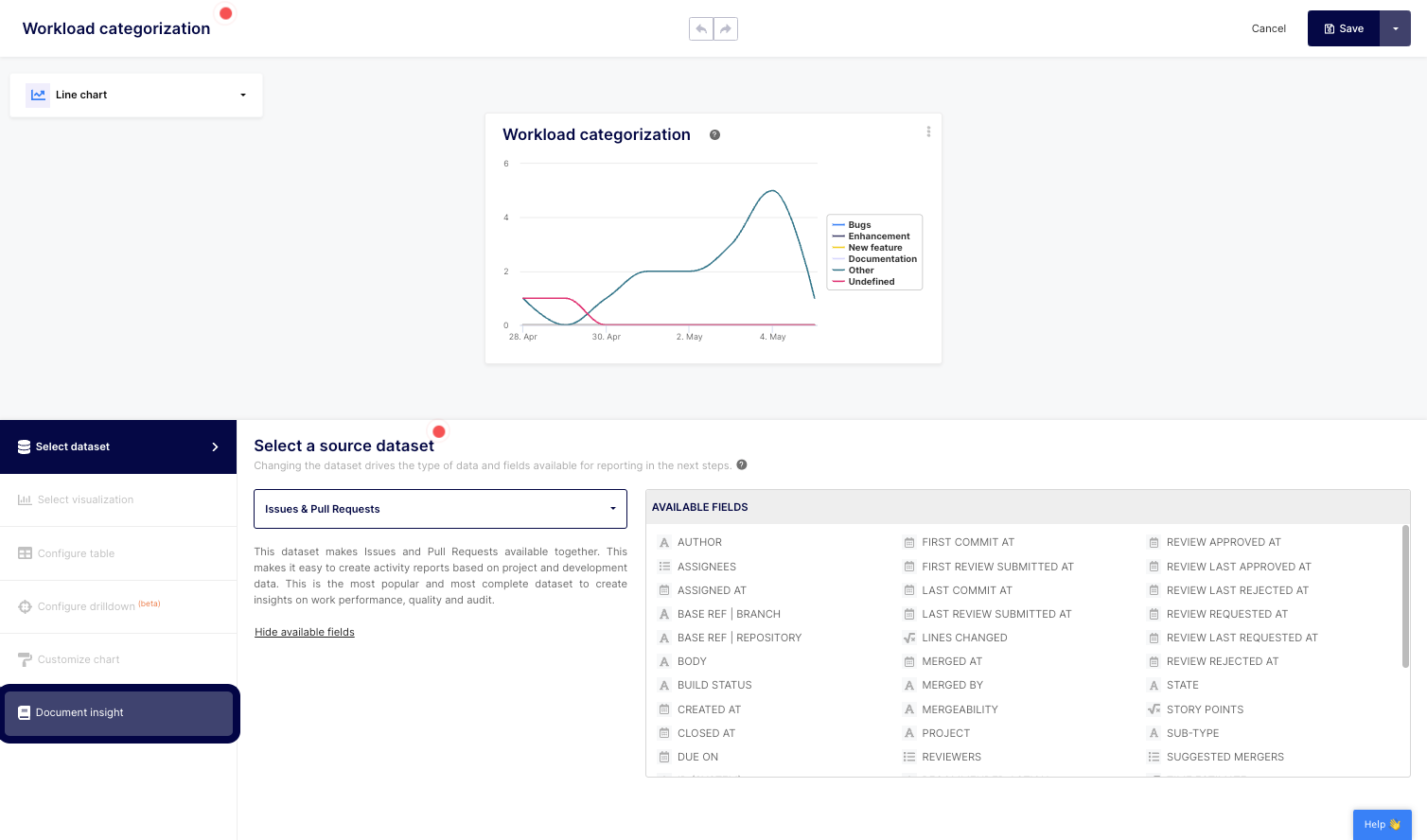
5. Click on the "Document insight" section of the left navigation panel.
Image

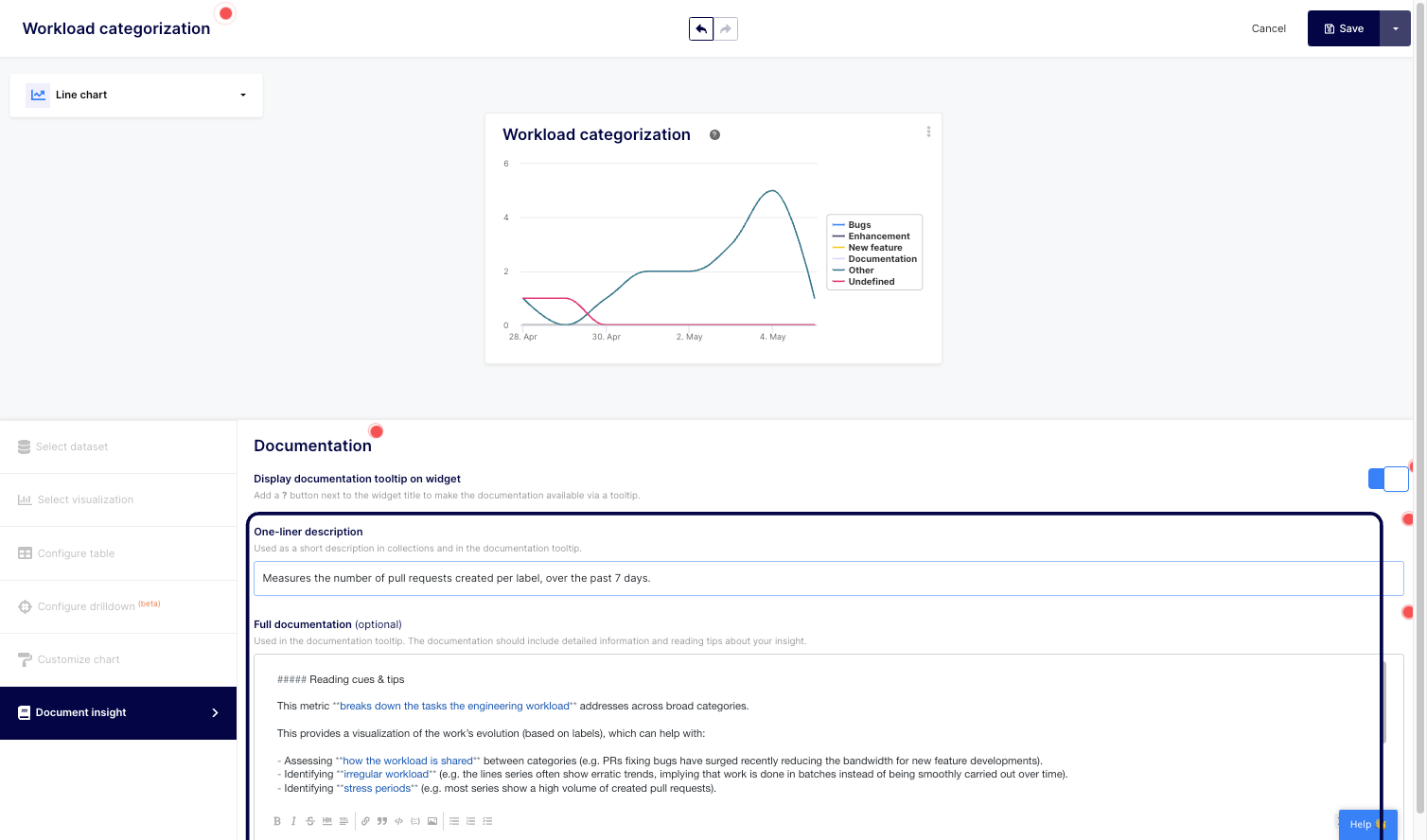
6. From there, you can edit your documentation one-liner description as well as the full documentation to meet your organization’s needs and processes.
Image

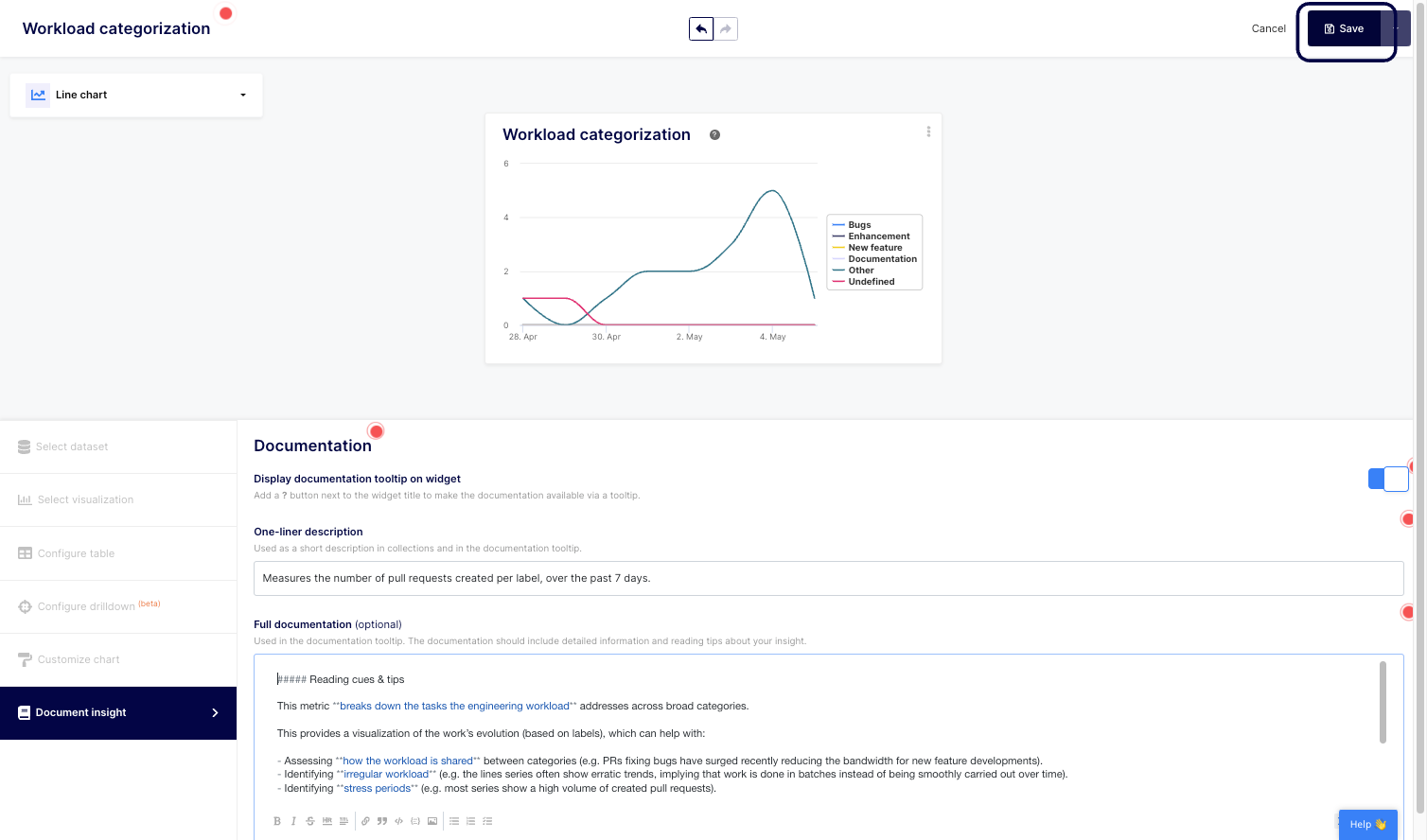
8. Don't forget to save your changes.
Image

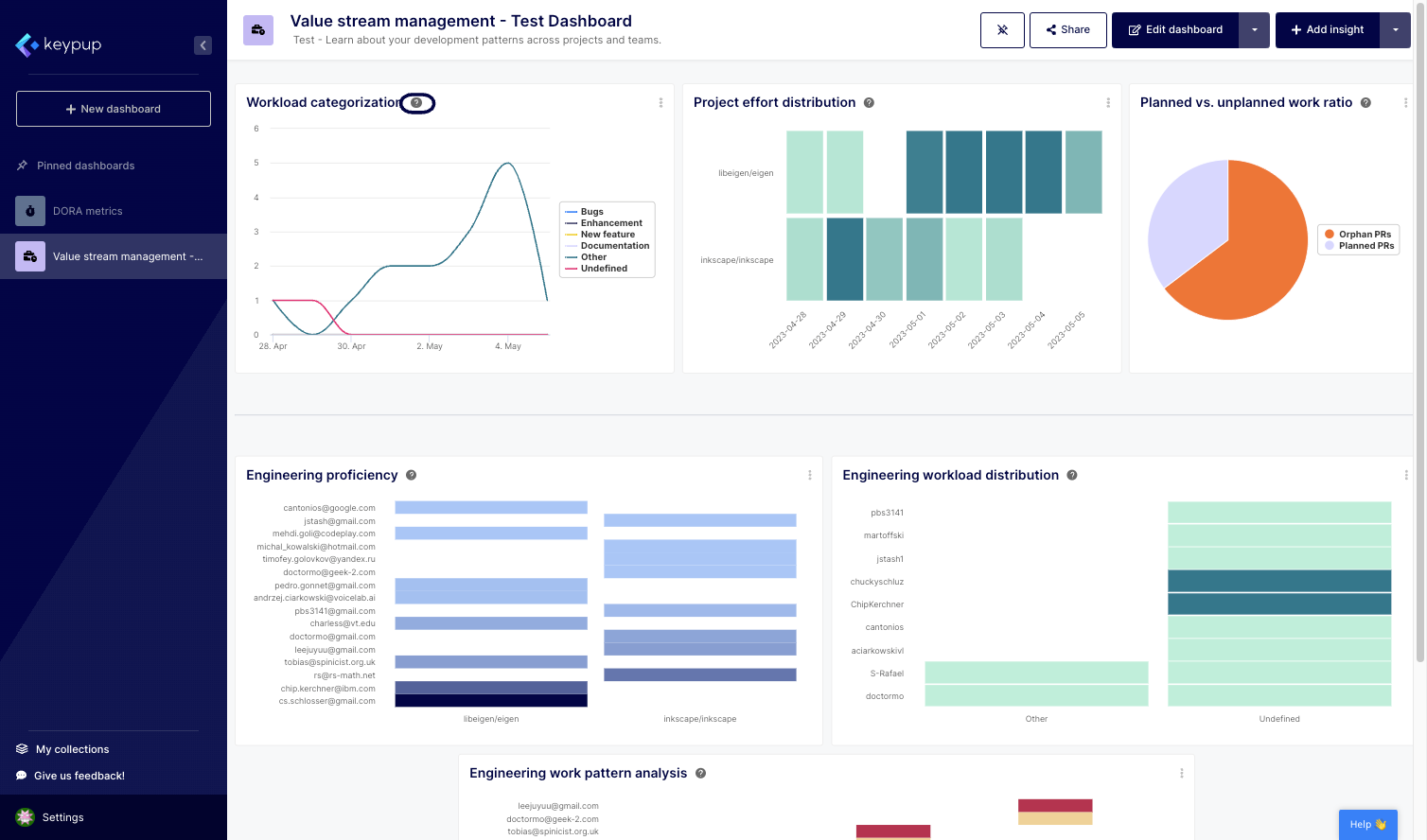
9. That's it. You can click on the question mark next to the insight title to read your updated documentation.
Image

Image

‍

Understanding and modifying Keypup's metric documentation is a powerful tool for organizations seeking to optimize their software engineering practices. By providing clear insights into metrics and offering the flexibility to tailor documentation to specific needs, Keypup enables teams to work collaboratively, make data-driven decisions, and drive continuous improvement.

With comprehensive metric documentation, organizations can build a foundation of understanding and alignment to drive efficiency and success in their software engineering endeavors. Leverage Keypup today to unlock the full potential of your software engineering metrics.


Ready to Transform Your Analytics?

Join teams already using AI to make data-driven decisions faster than ever.

Most Recent Articles

The Bug SLA Mirage: Why Priority Fix Targets Are Missed and Nobody Knows

The Bug SLA Mirage: Why Priority Fix Targets Are Missed and Nobody Knows

Your bug SLA report says 91%. Your customers experienced 65%. Learn what engineering leaders on Reddit say about P1 fix-time targets, SLA clocks that start late and bugs closed to stop the timer at enterprise scale, and how Keypup MCP measures real SLA attainment by priority and team from Jira workflow history and linked pull requests.

Thomas Williams
The Dependency Bot Backlog: Why Dependabot and Renovate Pull Requests Pile Up Unmerged

The Dependency Bot Backlog: Why Dependabot and Renovate Pull Requests Pile Up Unmerged

Dependabot and Renovate open thousands of pull requests across enterprise repositories, and most of them are never merged, merged with no review, or left open for months. Learn what engineering leaders on Reddit say about dependency bot noise, unowned major upgrades and auto-merge risk, and how Keypup MCP measures the bot backlog by version bump, ecosystem, merge path, next action and owner.

Liam Davis
The Vendor Black Box: How to Measure Outsourced Engineering Teams with Git and Jira Data

The Vendor Black Box: How to Measure Outsourced Engineering Teams with Git and Jira Data

Enterprises spend millions on outsourced and offshore engineering vendors, yet most can only measure them through hours billed and status reports. Learn what engineering leaders on Reddit say about vendor black boxes, hidden review load and untraceable work, and how Keypup MCP compares vendor and in-house pull requests, review wait times, review load and Jira traceability to show what each vendor actually delivers.

Stephane Ibos